Pocket Incoming Idle GM
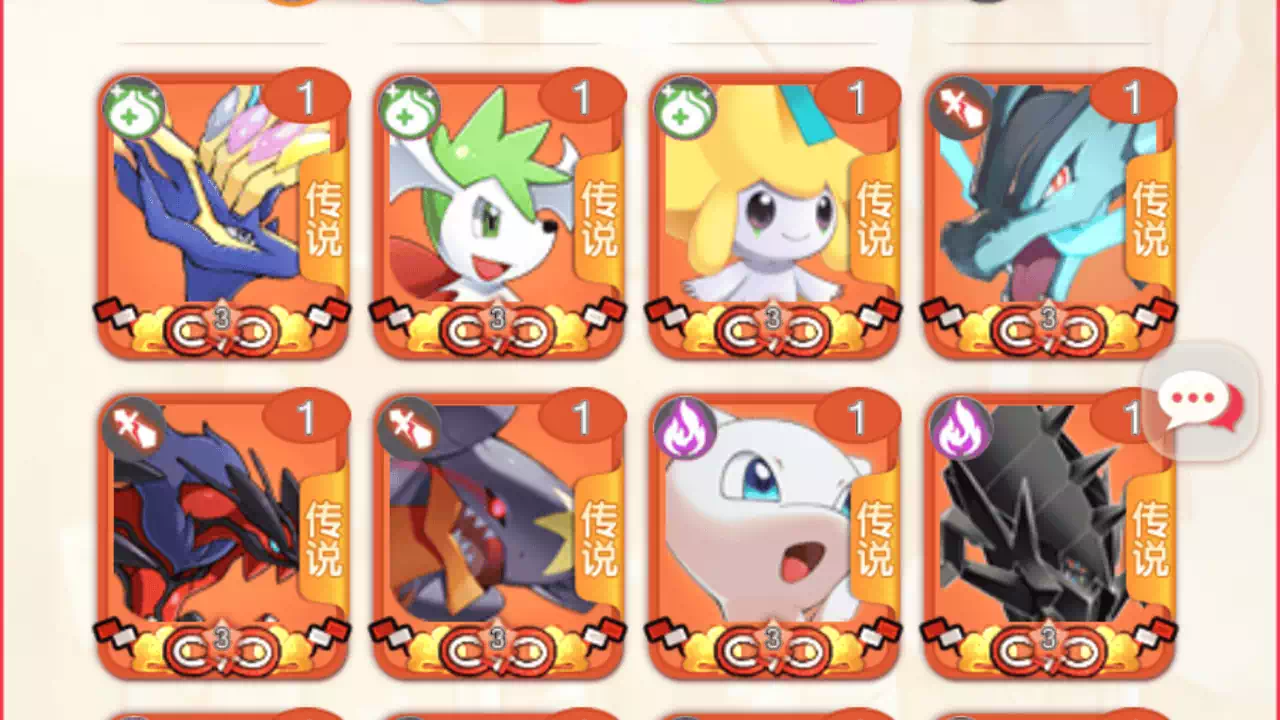
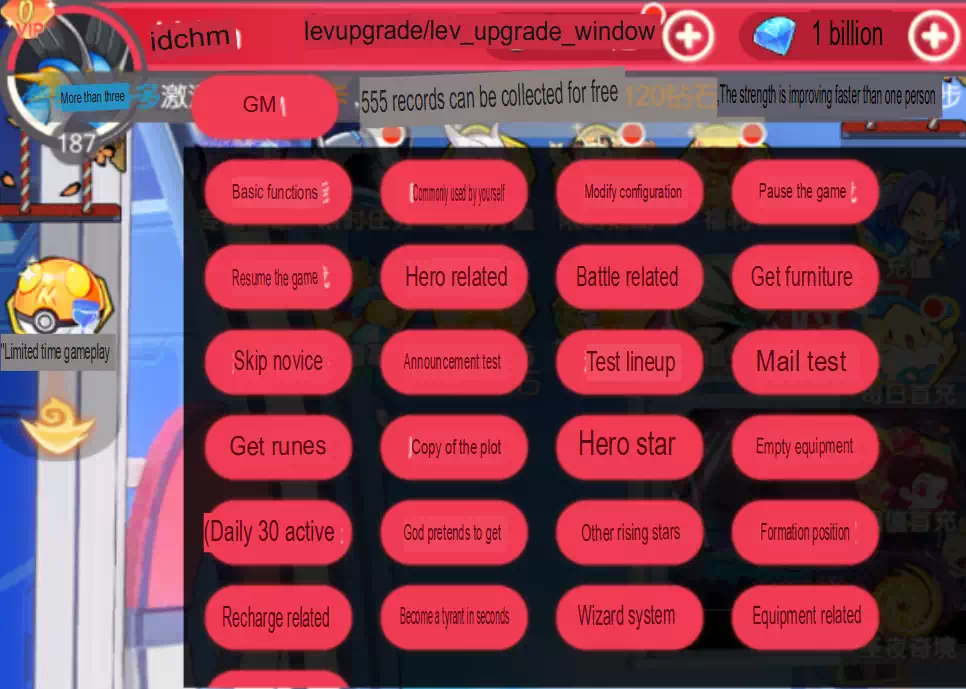
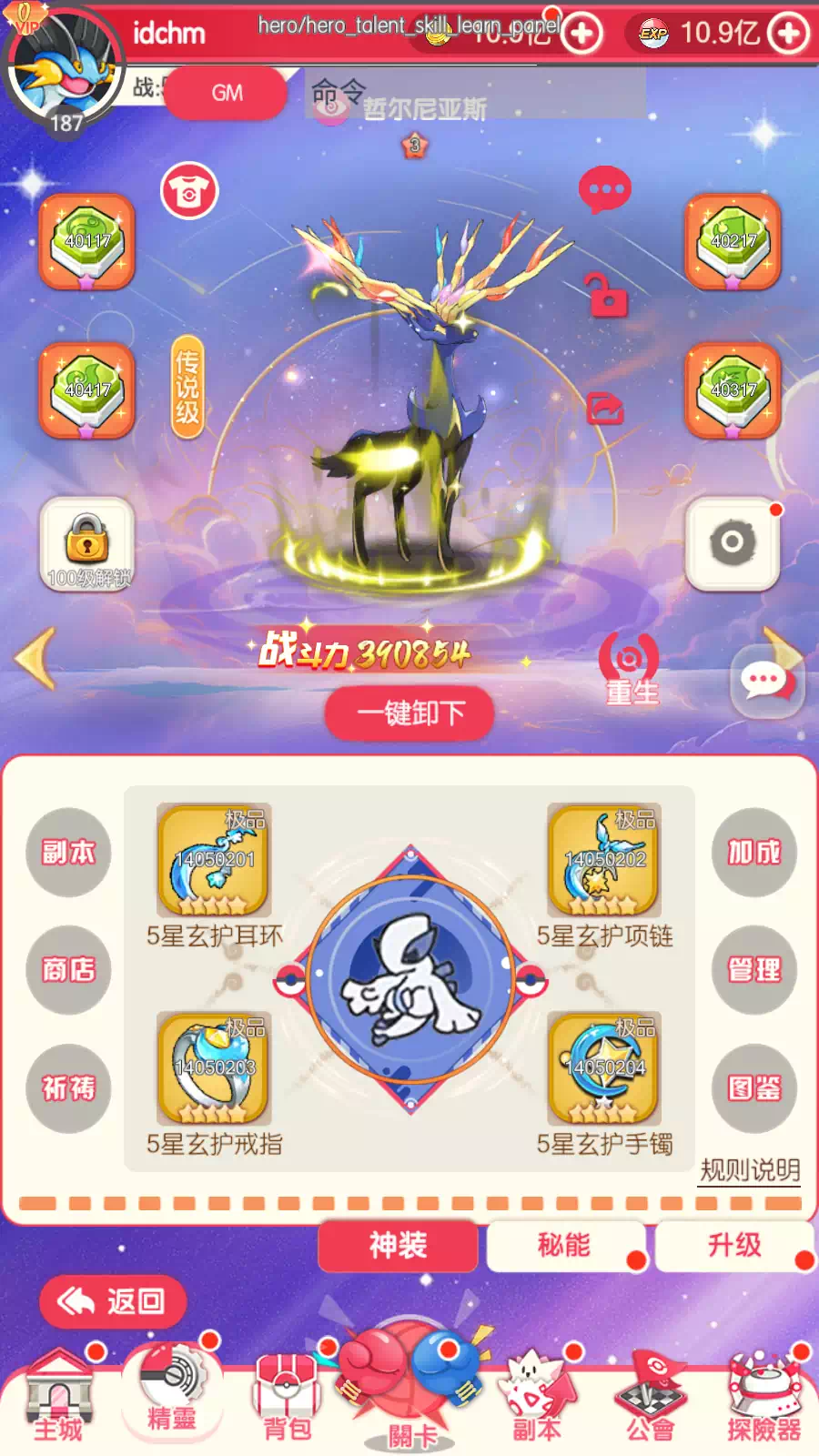
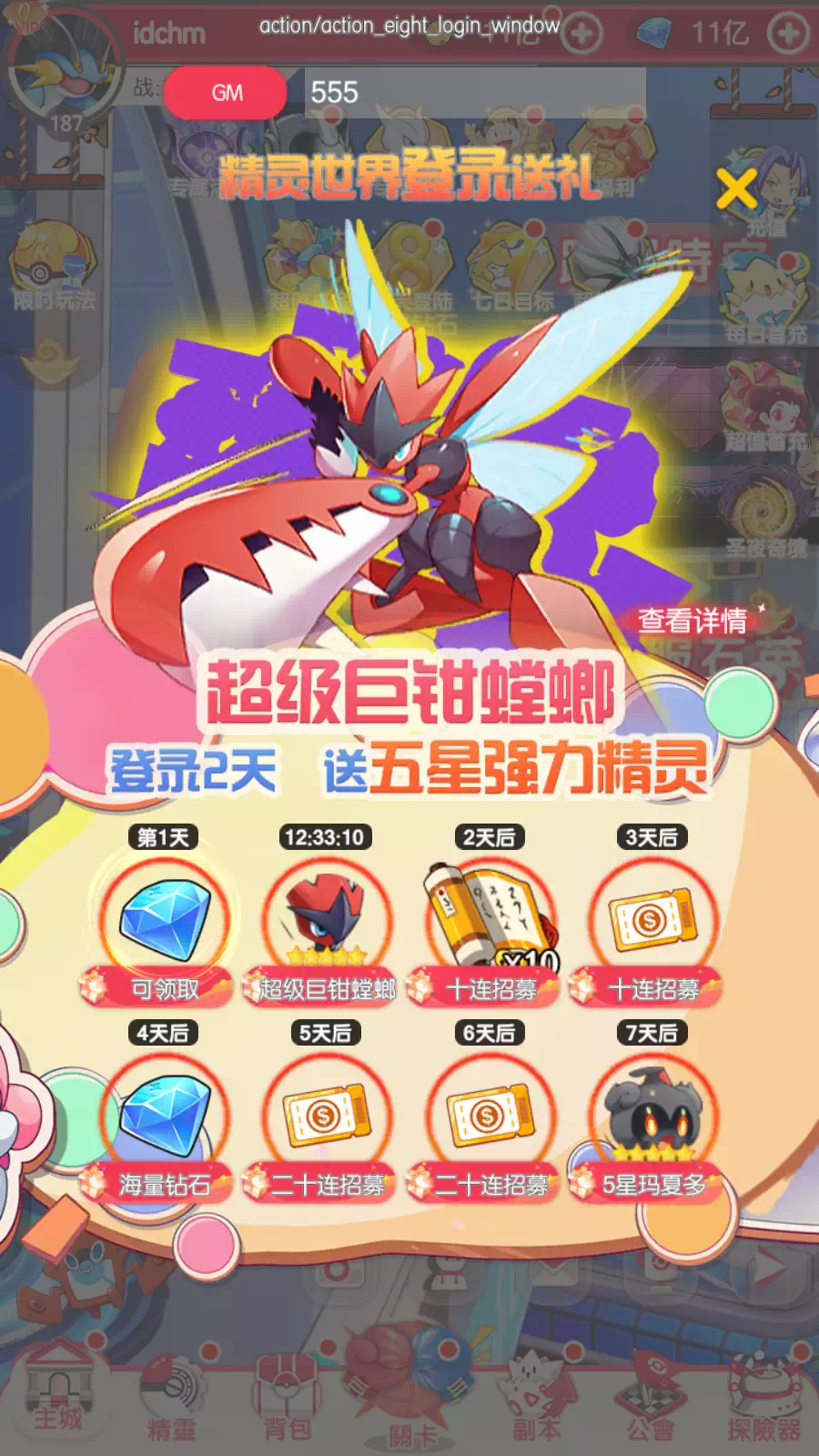
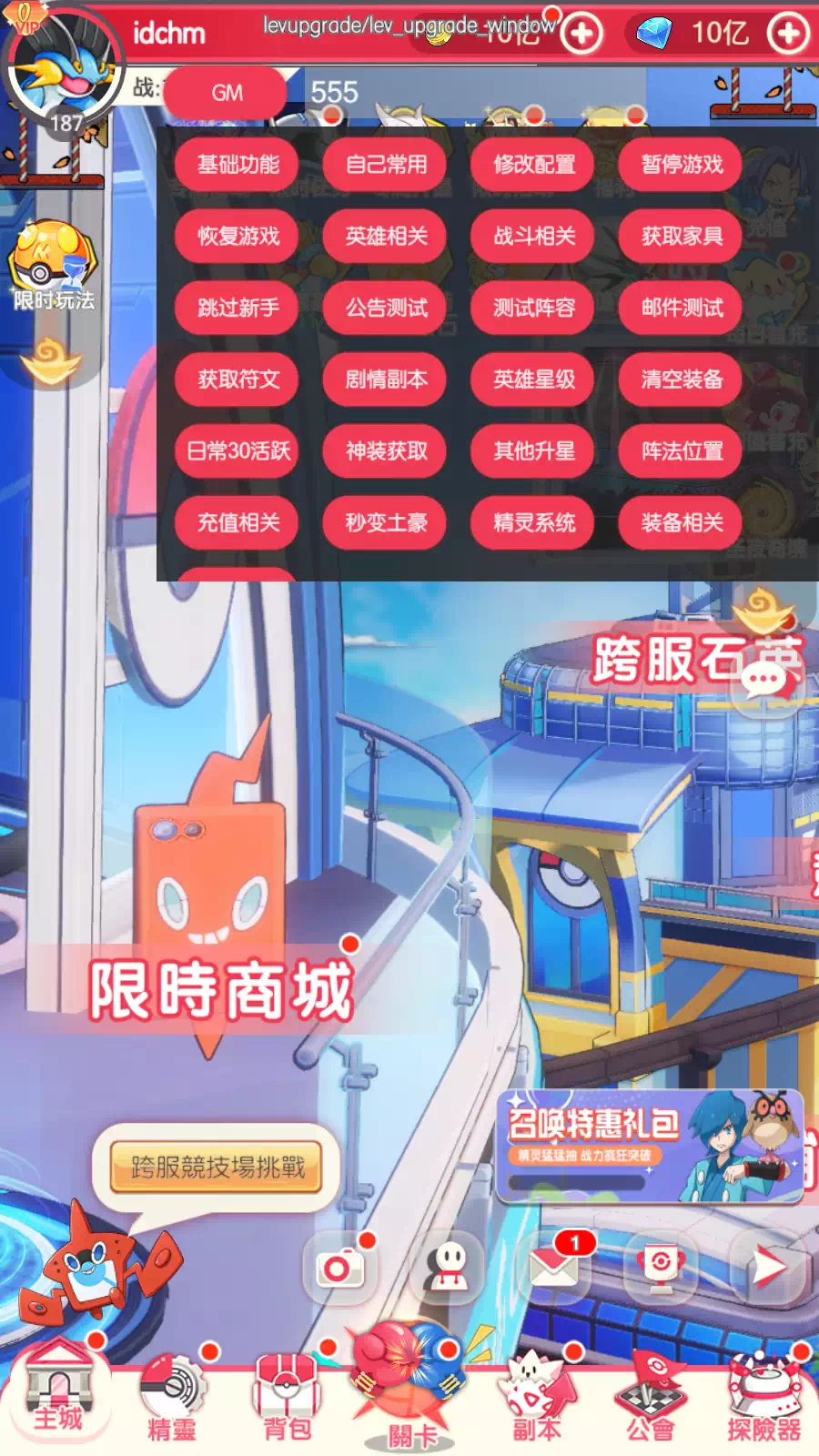
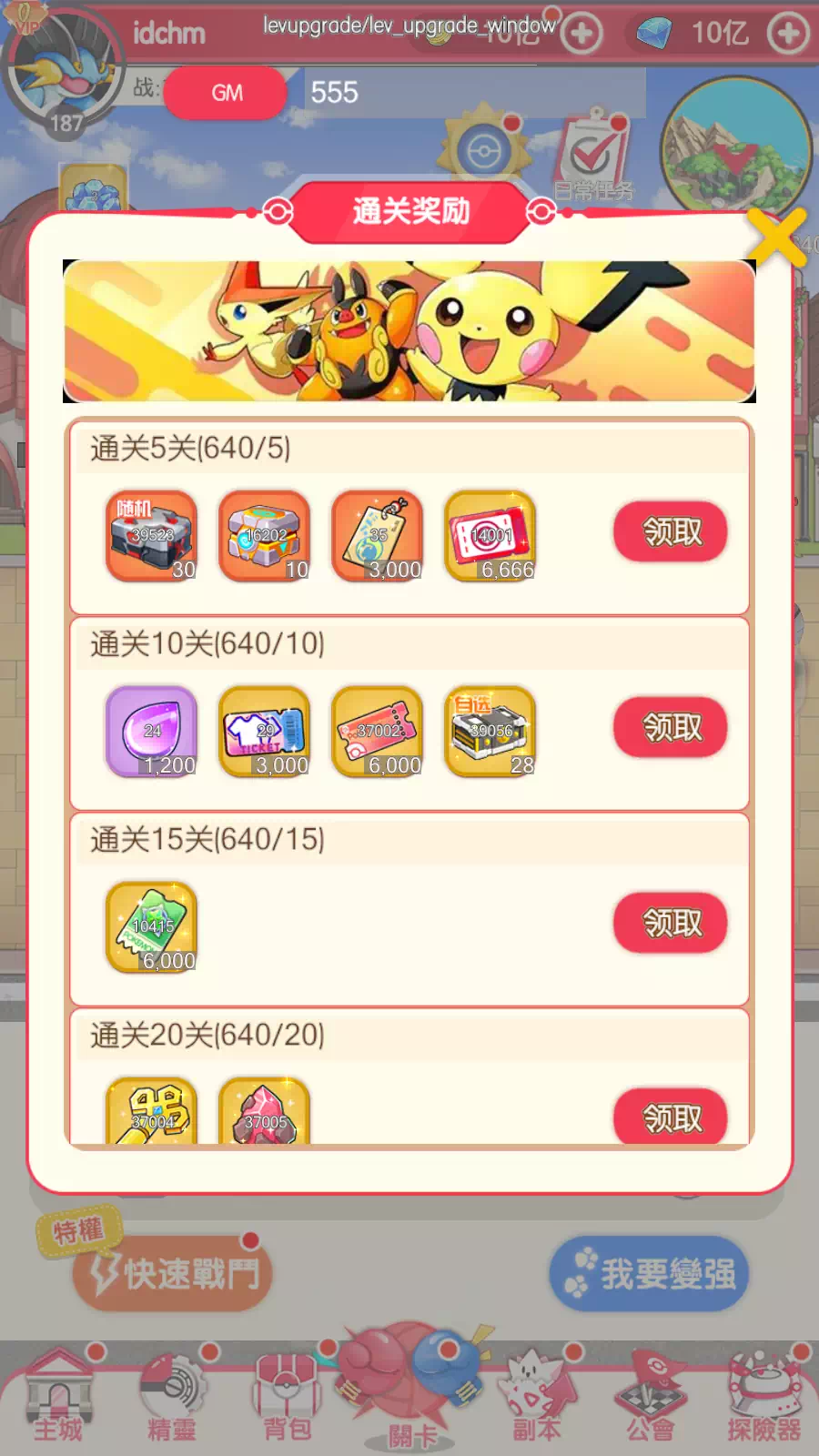
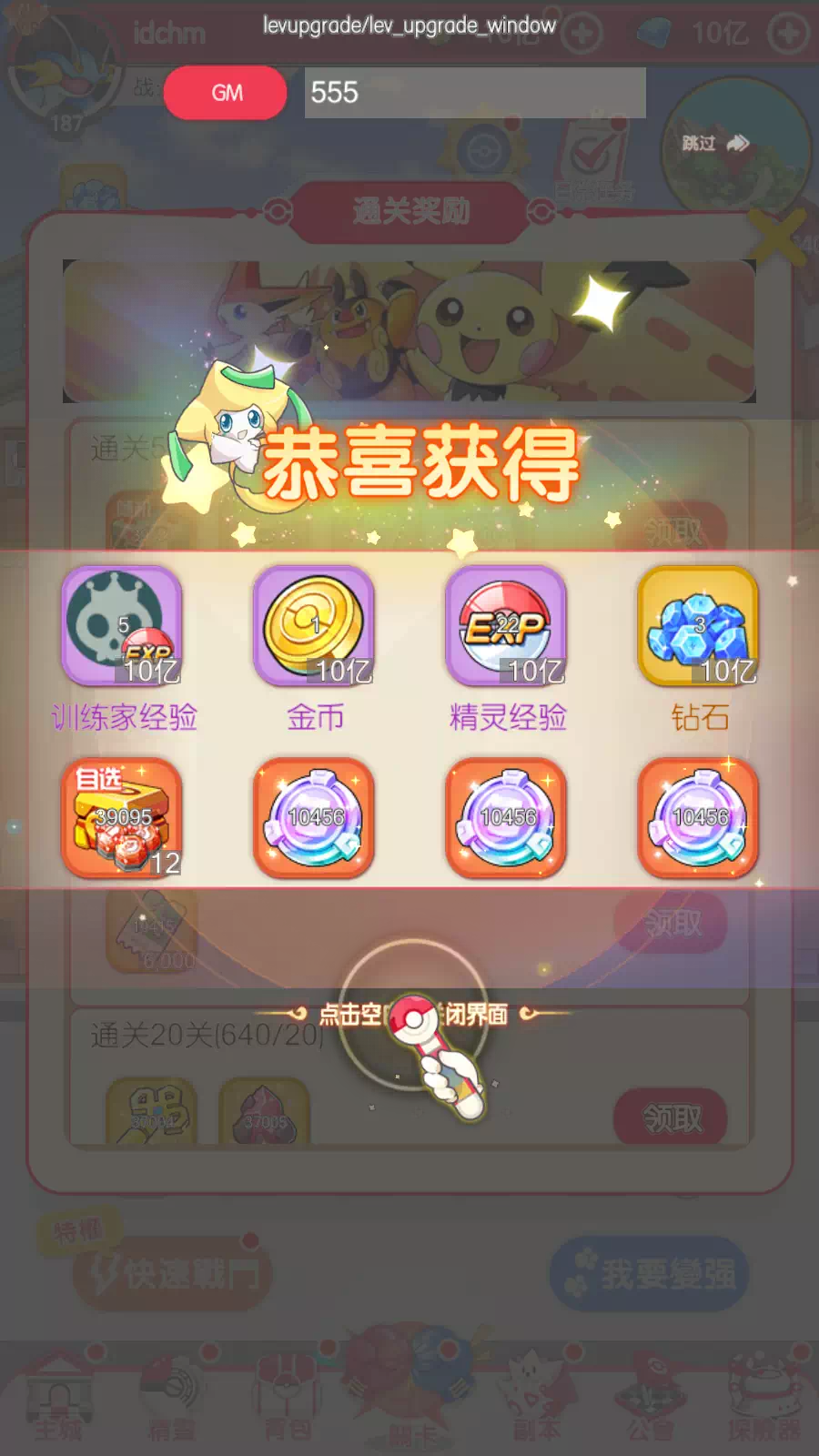
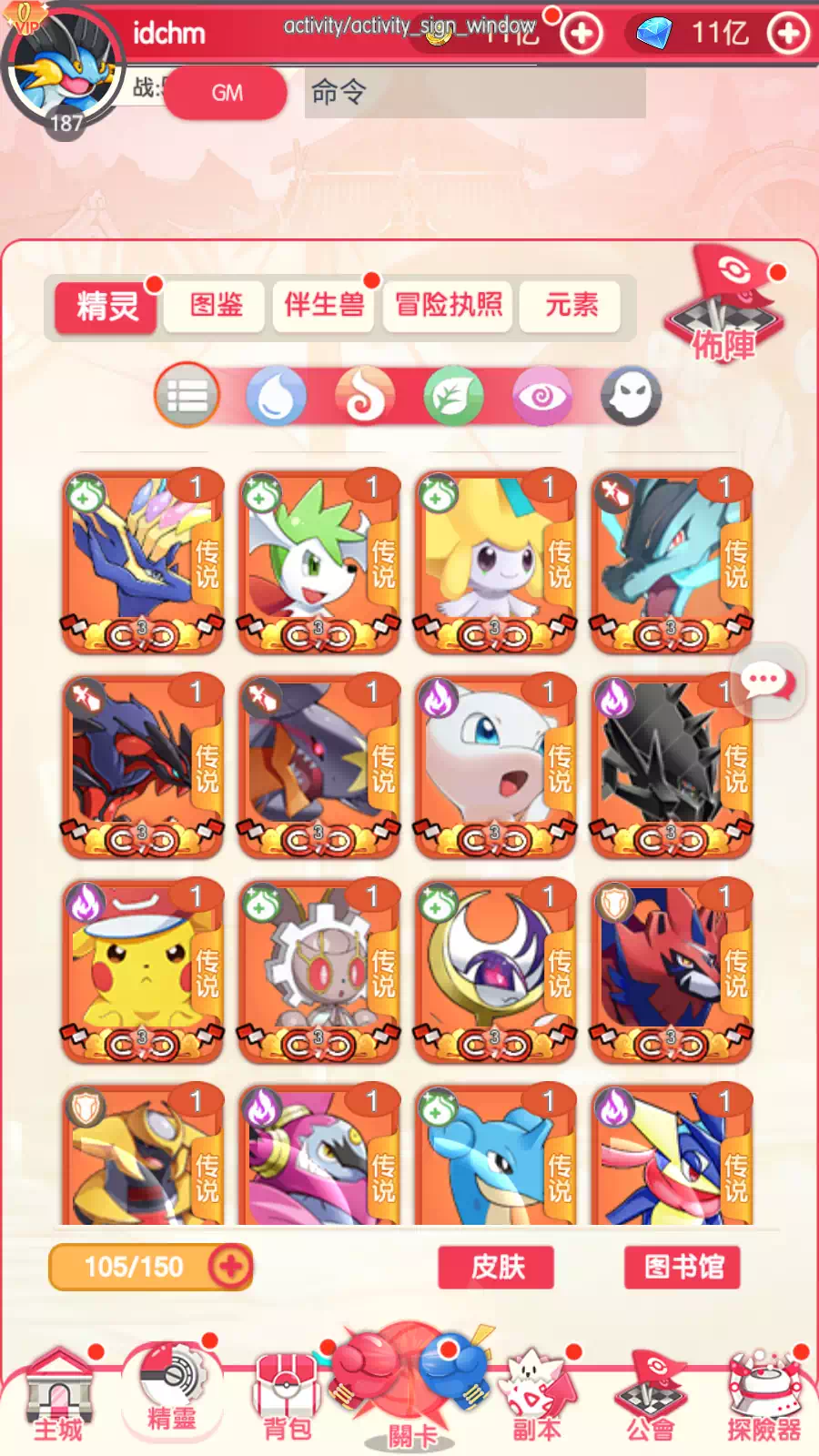
Experience the ultimate freedom in Pocket Incoming Idle with this fully-featured GM Private Server. Gain instant access to comprehensive Game Master tools both in-game and through an intuitive web interface, giving players complete control over their gaming experience. Skip the grind and jump straight into the action with instant level-ups, unlimited items, and immediate access to every Pokemon in the game. Whether testing team compositions, exploring end-game content, or simply enjoying the game without limitations, this server removes all barriers between players and pure enjoyment.
Pocket Incoming Idle GM Private Server Features
- Free GM Tools
- In-game GM Tools
- Web GM Tools
- Unlimited all items and currency
- Instant level up
- Instantly get all pokemon
- All features are free
Notes
- [Click Here] to use web GM Tools
- Feel free to join our discord and find guildmate or friend to play with!
- The features of Ragnarok Origin GM Private Server listed above is features when this game first time shared at PrivateGames.Link.
How to Download Pocket Incoming Idle GM Private Server
- Tap or click on the Download Now button above
- You'll get a pop-up to choose the download methods (not new tab)
- Click on the download option you want to use
- You'll redirected to the download page (usually on mediafire, mega, direct link, etc)
On Android 8 or higher, you get a dialog such as "Chrome, For your security, your phone is not allowed to install unknown apps from this source". Click the Settings button of that dialog and toggle Allow from this source. Alternatively you can navigate to Phone Settings > Apps & notifications. Find the browser application in the list, tap Advanced then Install unknown apps then toggle Allow from this source.
On Android 7 or lower, navigate to the device Settings then into the Security category. Under the Device Administration category, toggle Unknown Sources. Then try to install the application again.
How to Install Pocket Incoming Idle GM Private Server
- Open the .apk files you've downloaded
- If notice install fro untrusted source appear, toggle "on" the setting
- Back to install the app and wait the process
- Upon complete, you can start the game